AI client portal builder for agencies and freelancers
Youmake is an AI client portal builder. Describe the portal your clients need and it generates a working web app with sign-in, a project list, and status updates. You connect the database and authentication, test who can see what, and publish on your own domain. You can export the code.
Last updated
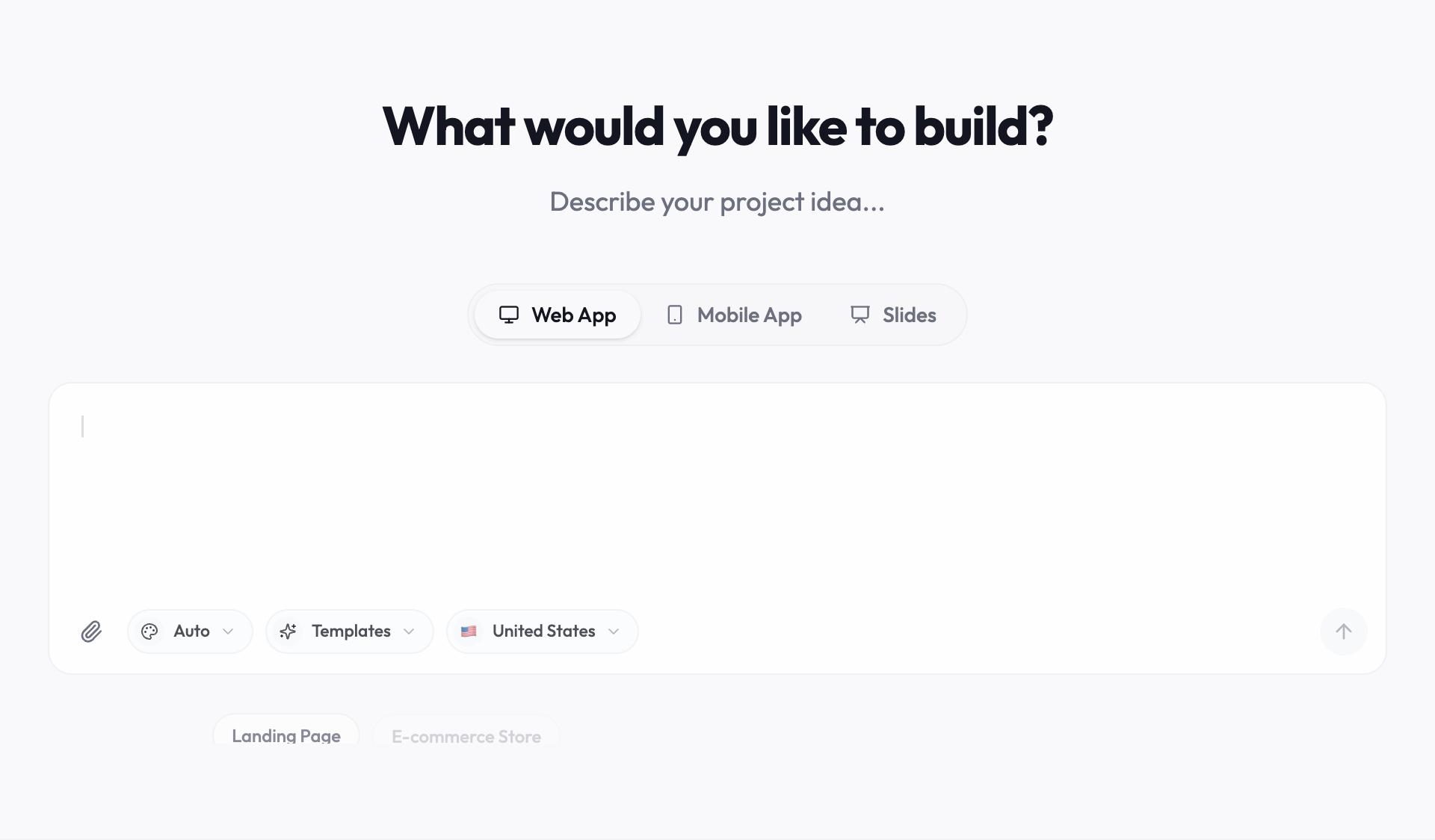
What a client portal builder does
A client portal is a private area where each client signs in and sees only their own projects, files, messages, or invoices. A client portal builder is a tool for creating one without writing it from scratch. Some are finished products that you configure. Others, like Youmake, generate a custom application from a description, which you then review, connect to your data, and publish.
Who it is for
Youmake suits people who deliver work to clients and want a portal shaped around how they work.
- Freelancers who want clients to check project status, files, and next steps without emailing for an update.
- Small agencies that want a portal on their own domain, built around the way they deliver projects.
- Service firms such as consultancies, studios, and contractors that need a shared view of work in progress.
- Developers and technical founders who want a first version from a brief and plan to keep working on the code.
Who it is not for
Youmake is the wrong choice in a few cases, and it is better to know that before you pay.
- You want a finished portal today with no setup. Ready-made client portal software will get you there faster.
- You handle regulated data, such as health records under HIPAA, and have nobody to carry out a technical and compliance review. Youmake does not make a portal compliant for you.
- You do not want to look after a custom app. Someone has to test it, keep the connected services running, and change it when requirements change.
- You need a free plan. There is none; the Starter trial is 3 days for $1.
Types of portal you can build
Accounts, roles, and rules about which records each person may see are the common base. The same base covers several kinds of portal.
- Client or project portal: an agency or freelancer shares project status, milestones, files, and approvals.
- Customer portal: customers see their orders, invoices, and support requests. Invoice and payment status can come from a Stripe integration.
- Partner or supplier portal: resellers or suppliers see shared documents and the requests assigned to them.
- Member portal: members sign in for gated content, a directory, or event registration.
How it works
Building a portal with Youmake follows five steps. The sections after this list cover each one in more detail.
- Describe the portal in chat: who signs in, what each role can see, and the first workflow.
- Review the generated app in the live preview and ask for changes.
- Connect Supabase for the database and authentication.
- Test access with sample accounts, then run the security scan.
- Publish to your own domain or a client subdomain, and export the code or sync it to GitHub.
Define what each person can see
List the roles first: customer, team member, and administrator. Decide which projects, messages, or documents each role can read and change. These rules belong in the backend as well as the interface.
Build a small first workflow
Start with sign-in, a project list, and a project detail page. Ask the AI to add status updates and a clear next action for the customer. Add file sharing or billing only after the core workflow works.
Connect your data and authentication
Connect a database such as Supabase and configure authentication. Use sample accounts to test that one customer cannot read another customer’s records. A login screen alone does not establish access control.
Review before inviting clients
Test password recovery, empty states, mobile layouts, permissions, and failed requests. Run the security scan before publishing, then review generated code and data policies before putting real customer information into the portal. The scan is a check, not a guarantee, so treat its report as a list of things to fix and verify.
Common portal features to add next
Once the core works, typical next steps are file uploads per project, comments on milestones, invoice status from Stripe, and email notifications when an update is posted. Add and test one at a time, with sample clients, before inviting real ones.
Publishing and handoff
Publish the portal on your own domain or a client’s subdomain. If a developer will maintain it, export the code or sync it to GitHub, and document which connected services and environment variables it needs. Secret values stay out of the repository.
What you keep after launch
The portal is application code, not a configuration inside another company’s product. You can export it or sync it to GitHub, give the repository to a developer or to the client, and continue development outside Youmake. You can also import an existing GitHub repository and keep building from there. Exporting code does not move database records, authentication settings, or domains. Those stay with the connected services and need their own handover.
Client portal software, a no-code builder, or an AI app builder
There are three common routes to a client portal. None is best for everyone. The right one depends on how far you need to customize and who will maintain the result. Vendors change their plans and features, so check their current pages before you decide.
| What to compare | Client portal software (such as SuiteDash or Clinked) | No-code portal builder (such as Softr or Noloco) | AI app builder (Youmake) |
|---|---|---|---|
| Setup time | Shortest. Sign up, configure the modules, and invite clients. | Short to moderate. You assemble pages and permissions on top of your data. | A first version comes from a chat brief. Connecting and testing authentication and data is your work. |
| Customization | Within the settings and modules the product offers. | Within the builder’s blocks and permission model. | Any screen or workflow you can describe, because the result is application code. |
| Per-user pricing | Set by the vendor. Check whether the plan limits clients or seats. | Set by the vendor. Check whether the plan limits users or records. | Plans are priced by monthly credits, not by the number of portal users. |
| Code ownership | None. You use a hosted product. | The app generally stays on the vendor’s platform. Check the export options. | You can export the code or sync it to GitHub. |
| Who maintains it | The vendor. | The vendor runs the platform. You maintain your app’s configuration. | You, or the developer you hand it to. |
| Best fit | A standard portal with no setup work. | A portal on top of existing tables, kept inside a no-code tool. | A custom portal you want to control and hand over. |
What it costs
Plans cost $20 a month for 40 credits on Starter, $45 a month for 90 credits on Builder, and $120 a month for 240 credits on Agency. Each agent reply shows the credits it used, so you can see what a change costs. There is no free plan; you can try Starter for 3 days for $1 with a card. Collaborators are available on the Builder plan and above. Your database, authentication, payment, and hosting providers may charge separately.
Frequently asked questions
Can clients log in and see only their own data?
Yes, once you set it up and test it. Connect Supabase for authentication, define the roles, and enforce the access rules in the database as well as in the interface. Then sign in as two different sample clients and confirm that neither can read the other’s records. A login screen alone does not provide access control.
Do I pay per client or per portal user?
Youmake plans are priced by the monthly credits you use while building, not by the number of clients who sign in to your portal. Connected services such as your database and authentication provider have their own pricing and limits, so check those as your client list grows.
Can I put the portal on my own domain or my client’s domain?
Yes. You can publish to your own domain or to a client subdomain. You need access to the DNS settings for the domain you use.
Can I export the code?
Yes. You can export the project code or sync it to GitHub and continue development outside Youmake. Connected services such as the database, authentication, and payments are not part of the export and need to be configured wherever the portal runs next.
Is it secure enough for client data?
That depends on how you configure and test it. Youmake includes a security scan to run before publishing, but a scan does not replace review. Check the data policies, test permissions with sample accounts, and review the generated code before real client information goes in. For regulated data such as health records, arrange your own technical and compliance review.
How long does a first version take?
It depends on the scope, the integrations, and how much you test. A small portal with sign-in, a project list, and a project detail page is a reasonable first target. Connecting authentication and verifying permissions is the part to take slowly. There is no guaranteed timeline.
Can I connect existing data such as Supabase?
You can connect a Supabase project for the database and authentication. For data that lives somewhere else, such as a spreadsheet or another system, plan an import or an integration, and test with a copy before you point the portal at live records.
Can I build portals for several clients?
Yes. Build each portal as its own project and publish it to that client’s domain or subdomain. Keep a separate database for each client so their data stays apart. All of your projects draw on the same monthly credits.
A sample brief to start with
Build a client portal for a design studio. Customers should see only their projects, current status, and next milestone. Team members can post updates. Use sample data until authentication and permissions are tested.
Start building with YoumakeStarter trial: 3 days for $1. Credit card required. Review renewal terms at checkout.